Hurdle

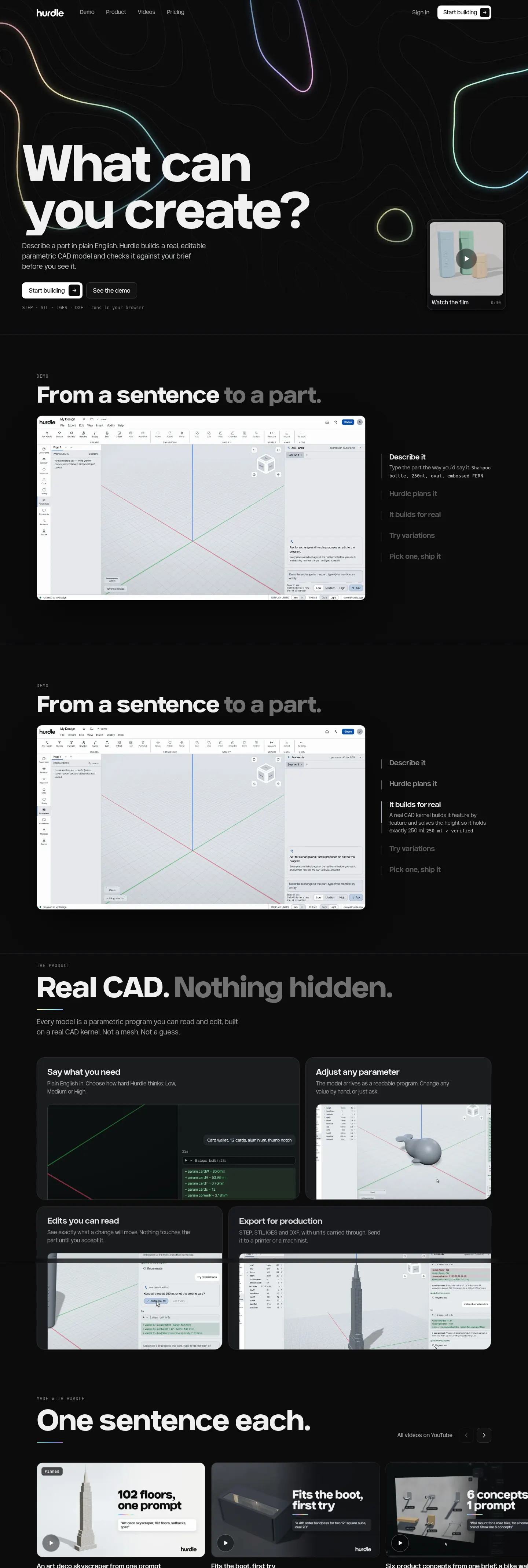
AI CAD from plain English: a browser-based tool that builds real, editable parametric models.
- Category
- Our products
- Platform
- Web
Problem
Cursor and Claude changed how software gets written. Mechanical design has not had that step yet.
Most AI 3D tools produce meshes. They look right, but you cannot change a wall thickness or trust a dimension, and a manufacturer cannot use them.
Approach
Describe a part in plain English. Hurdle writes a plan, builds a real parametric model on a real CAD kernel, and checks it against your brief before you see it. Nothing reaches the part until you accept the proposal.
The model is a program of features and parameters, so you and the AI edit the same thing. Work with the sketch, extrude, revolve, sweep, loft, fillet, chamfer and shell tools, change the parameters, step back through the history, or read and edit the code behind it. Ask for variations from one prompt, and choose low, medium or high effort for each request.
Share a model by invite or with a view-only link, comment on it in the Comments tab, and export STEP or STL.
Watch it work
7 films. Scroll sideways or use the arrows.

Custom packaging, before you pay for a manufacturing run 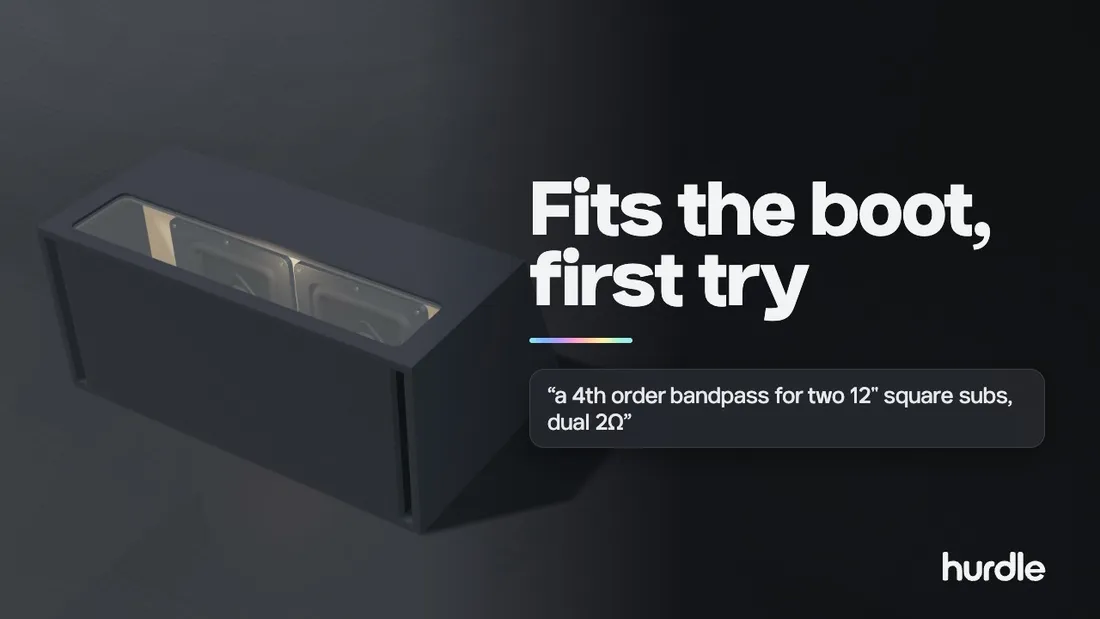
Design a 6th-order bandpass sub box that fits a sedan boot 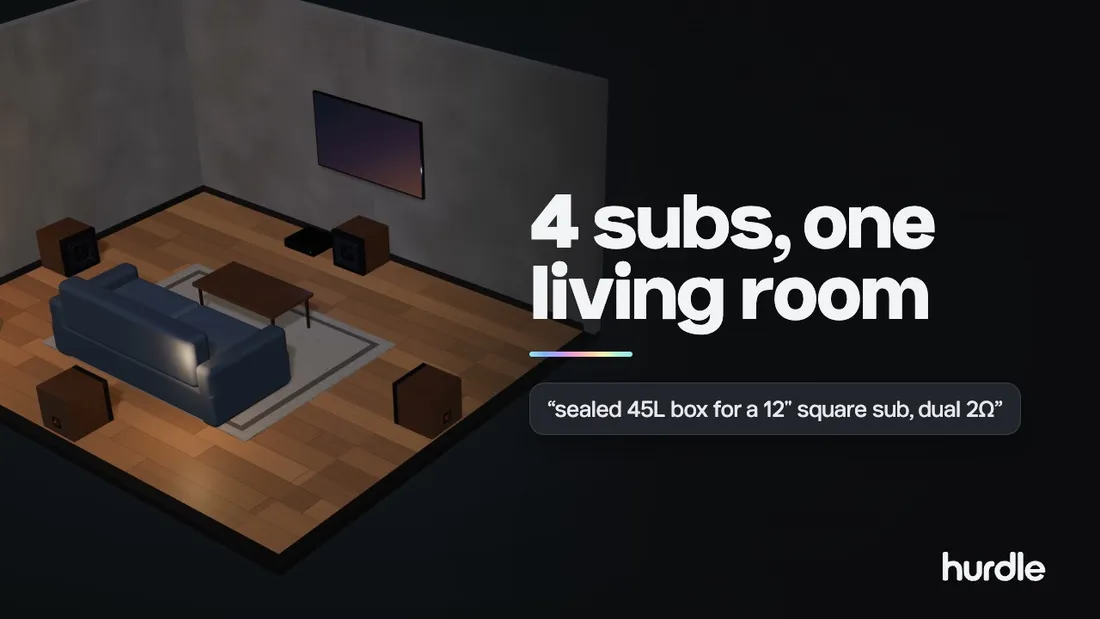
Design a 4-subwoofer home system from one prompt 
Design your own coffee mug from one prompt 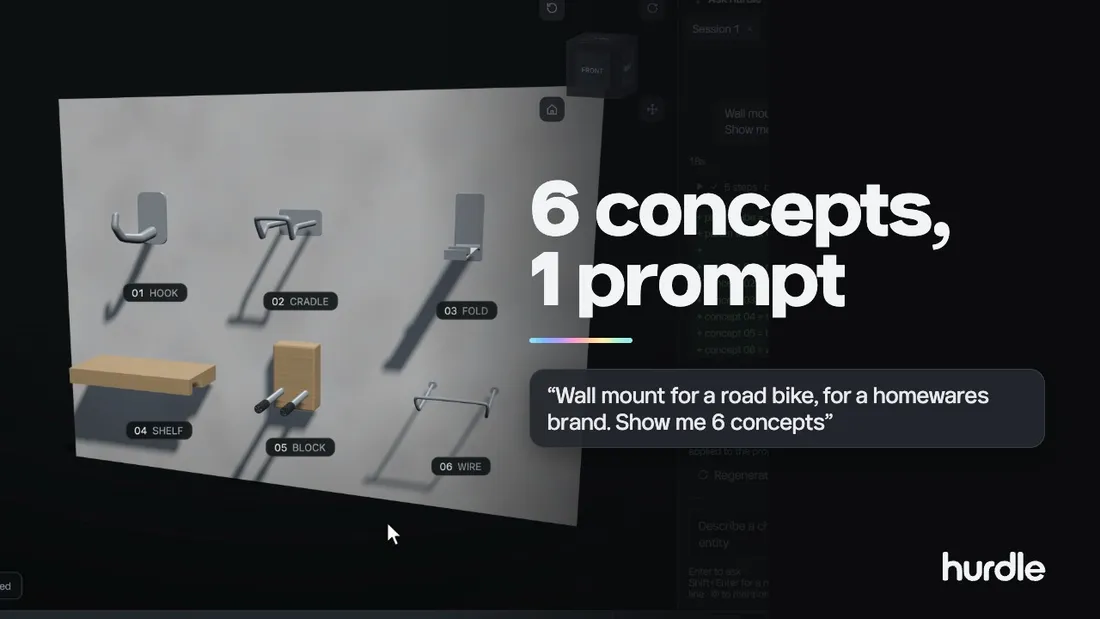
Six product concepts from one brief: a bike wall mount 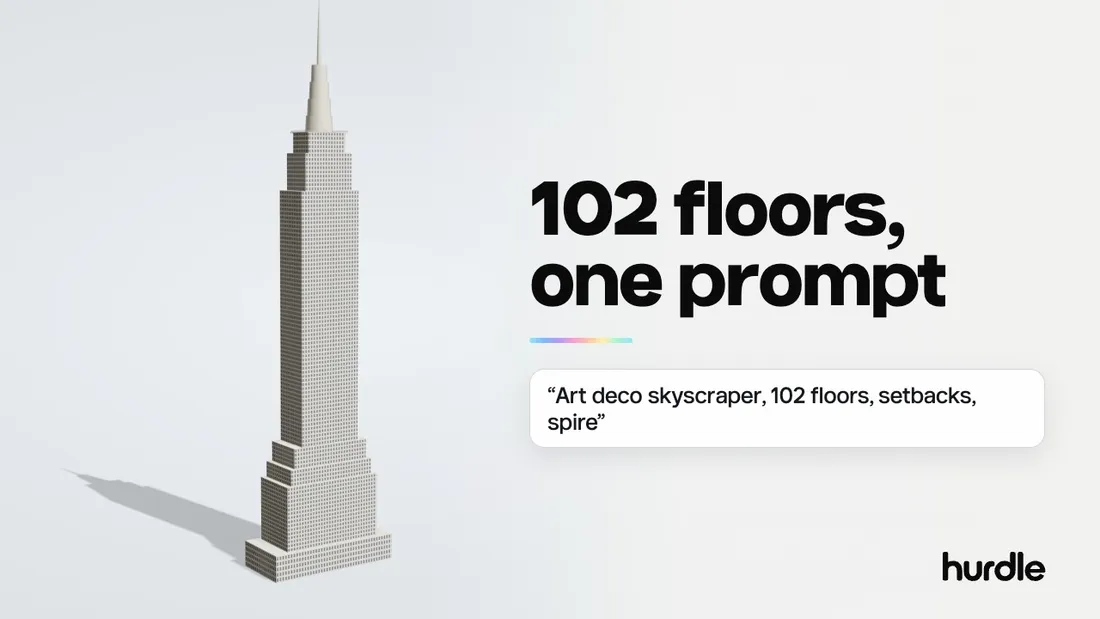
An art deco skyscraper from one prompt 
Design a 3D-printable whale toy
How a request becomes a change
One real request, step by step. A user asks for a sixth-order bandpass box, and the harness plans it, writes the change to the program and checks the result.
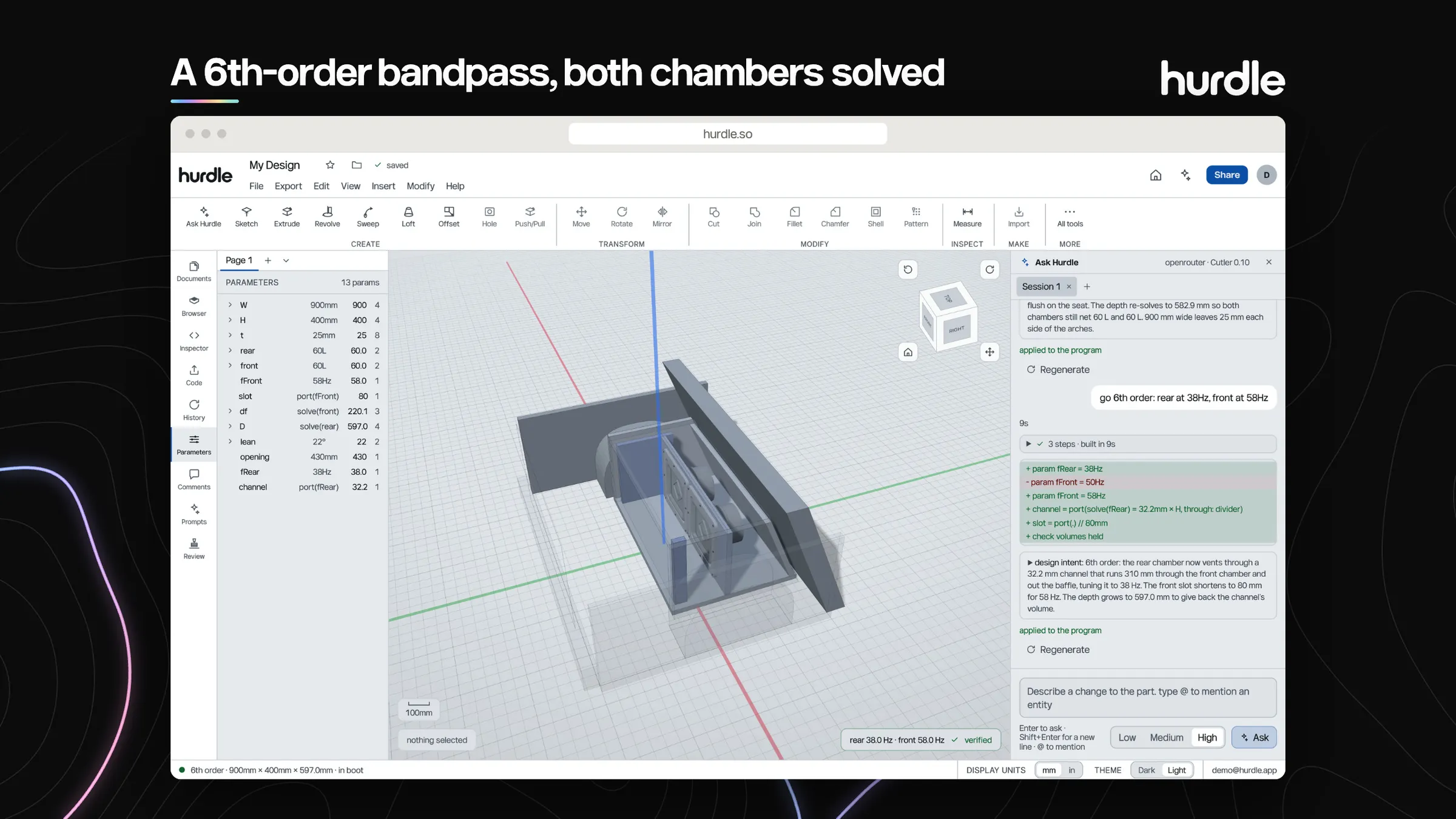
The request is a sentence: go to a sixth-order design, with the rear chamber tuned to 38 Hz and the front to 58 Hz.
The harness works in steps. This one took three steps and nine seconds.
The model is a program of named parameters. The request edits it, so every change is a readable diff: values added, values replaced, a check that the volumes still hold.
Beside the diff, the harness writes what it did and why. You can see the reasoning before you accept it.
The parameters panel lists each dimension and setting by name. You can change any of them by hand, without asking the AI.
A readout under the model confirms the values the request asked for, so you are not taking the geometry on trust.
How it fits together
A request passes the browser, a gate, the AI harness and a router before it changes your model. Watch it run, or select any box to see what it does.
In your browser
The gate
The AI harness
The AI router
Behind it all
You type what you want in plain English, for example a 250 ml shampoo bottle, oval, with a name embossed on it.
Before any model is called, the gate checks who you are, how often you have asked, and whether your plan has allowance left.
A small model corrects spelling and tidies the wording. It costs a fraction of the main work.
The planner and builder run through the router, which picks a model for each job.
The proposal is built on the geometry kernel and checked against your brief before you see it. Nothing changes until you accept.
What you accept is saved to your document, and the cost of the request is counted against your plan.
What went into it
An AI editor for 3D CAD that runs in the cloud, with the parts a paid product needs around it.
Sharing and comments
Share a model with people outside your account by invite, or with a view-only link that anyone can open and comment on without an account. Comments are attributed to the person who wrote them.
Documents and files
Models live in documents with pages. Files can be imported, and models exported as STEP or STL.
Plans, credits and usage
Stripe powers managed plans. Usage is tracked as credits across several factors, so each plan has a clear allowance and an account cannot run past it.
An AI router
Requests go through a router built on OpenRouter. We can change providers or contracts, and which model handles which job, without rewriting the product.
Low-cost prompt checks
Each prompt gets a quick spell and clarity pass on a small model before the main work starts.
A kernel in the browser
The geometry kernel runs in the visitor’s browser, which keeps rendering cost off our servers.
Protection against misuse
Rate limits and usage caps apply to every account and key. A leaked key is built to be worth little.
Scales with demand
Server capacity grows with the number of users and shrinks again, so cost follows load.
Plans and usage, where customers can see them
Managed plans through Stripe, with an allowance for AI and for documents that the customer can check at any time. The product enforces the allowance, so an account cannot run past its plan.
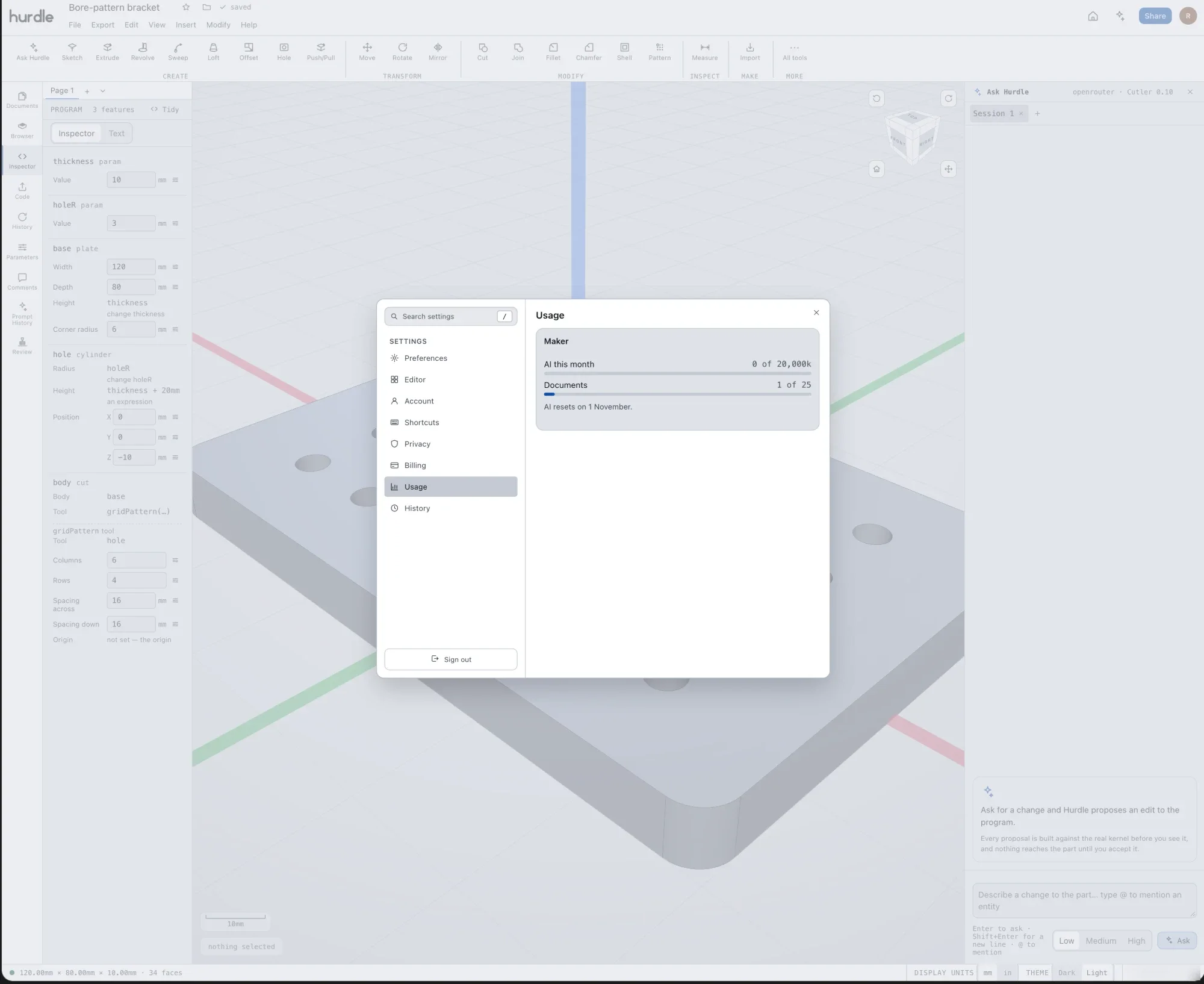
Account, privacy, billing and usage each have their own page, so a customer never has to ask what they have used.
The plan decides the allowance. This one is Maker.
AI use is counted against the plan for the month, with a bar that fills as it is used.
Documents are counted too, because the number a plan allows is part of what it costs to run.
The screen says when AI use resets, so there are no surprises at the end of the month.
More from the product
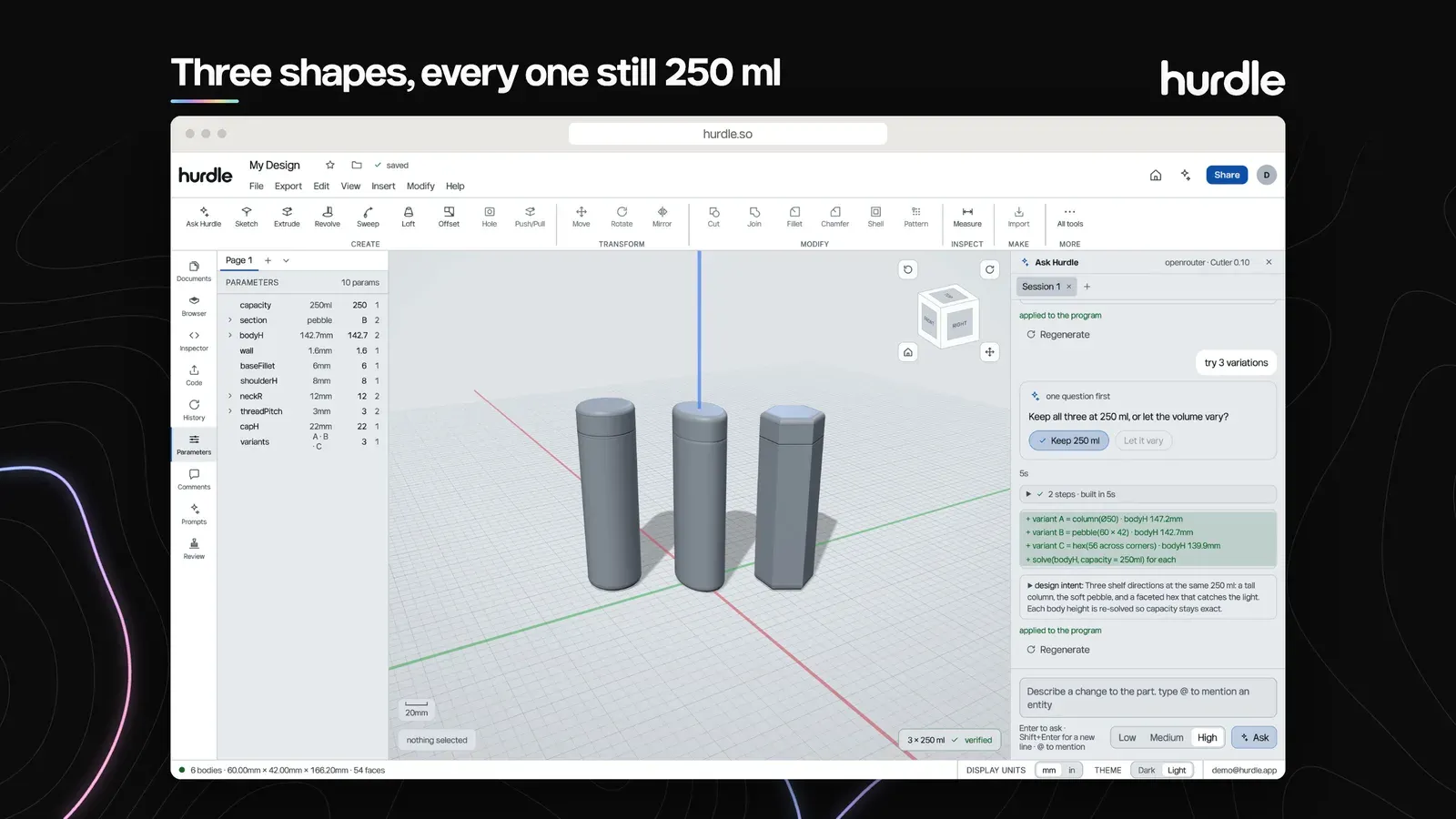
Three bottle shapes from one brief, each still 250 ml 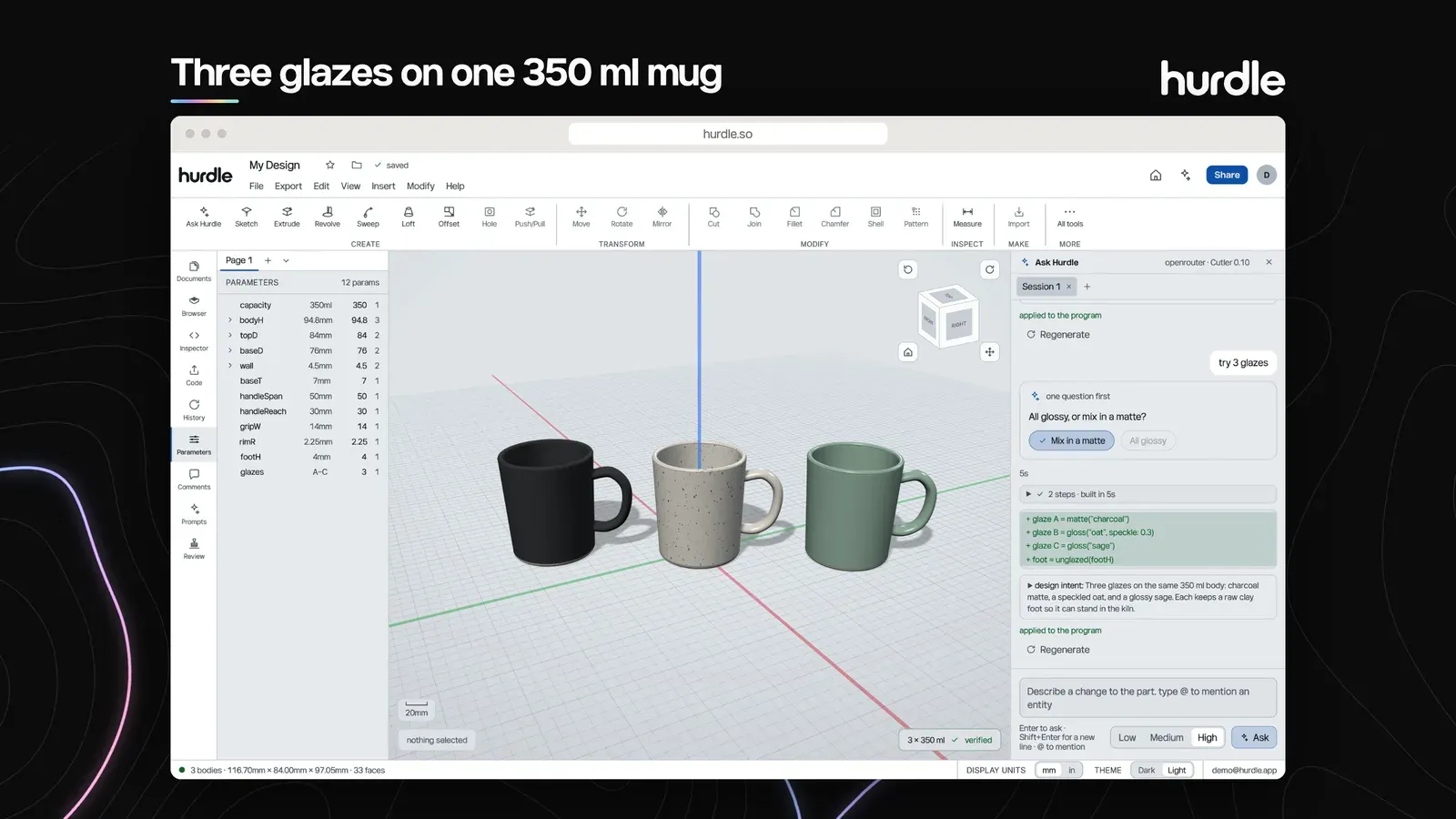
Three glazes on one 350 ml mug 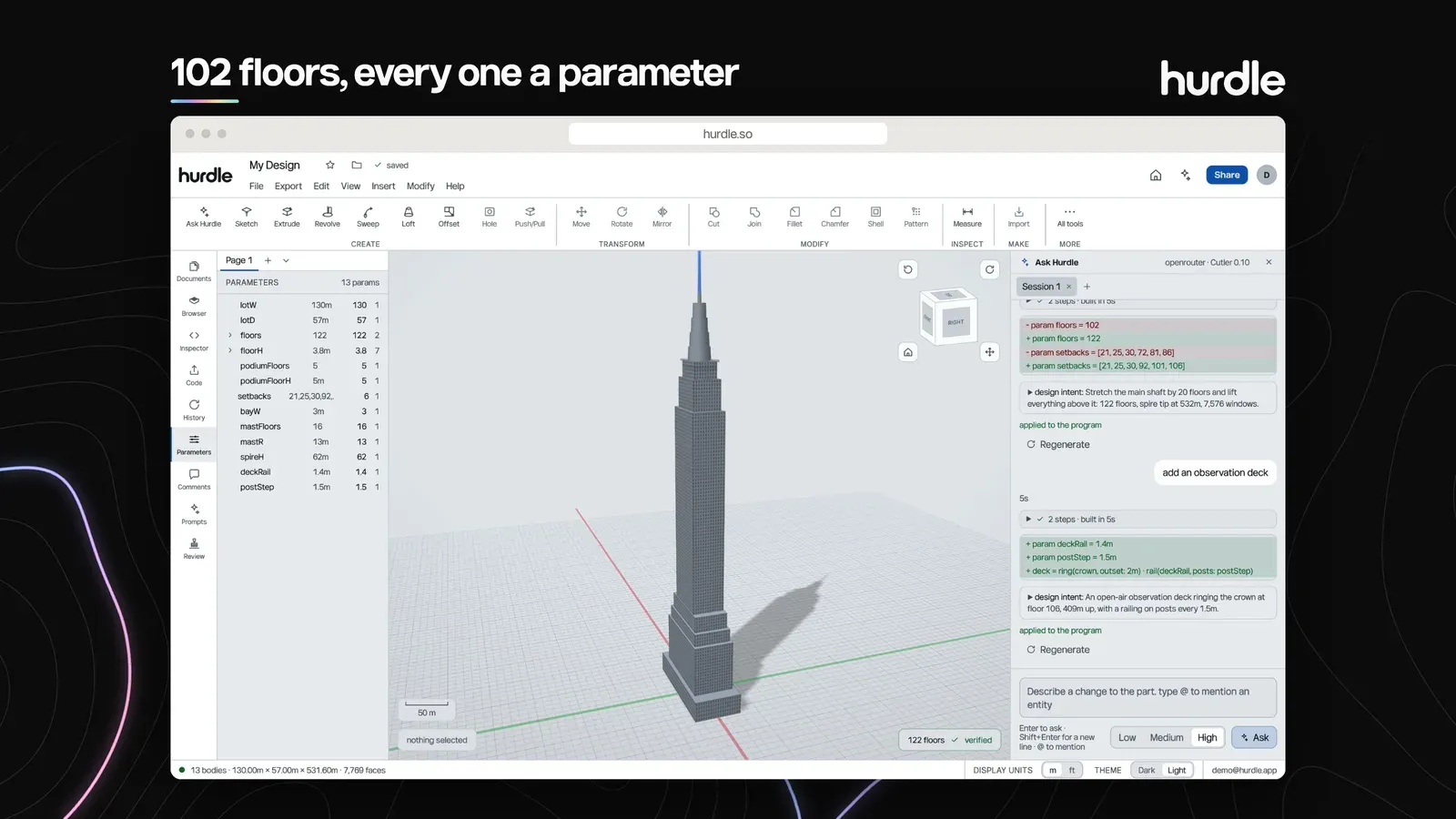
A 102-floor tower where every floor is a parameter
Outcome
Live at hurdle.so. The films and screens on this page come from its launch material: a bandpass sub box sized for a car boot, shampoo bottles in three shapes, a mug in three glazes and a 102-floor tower, each started from one sentence.
See it live
Next project
Circus